




Microsoft SharePoint News Syncer
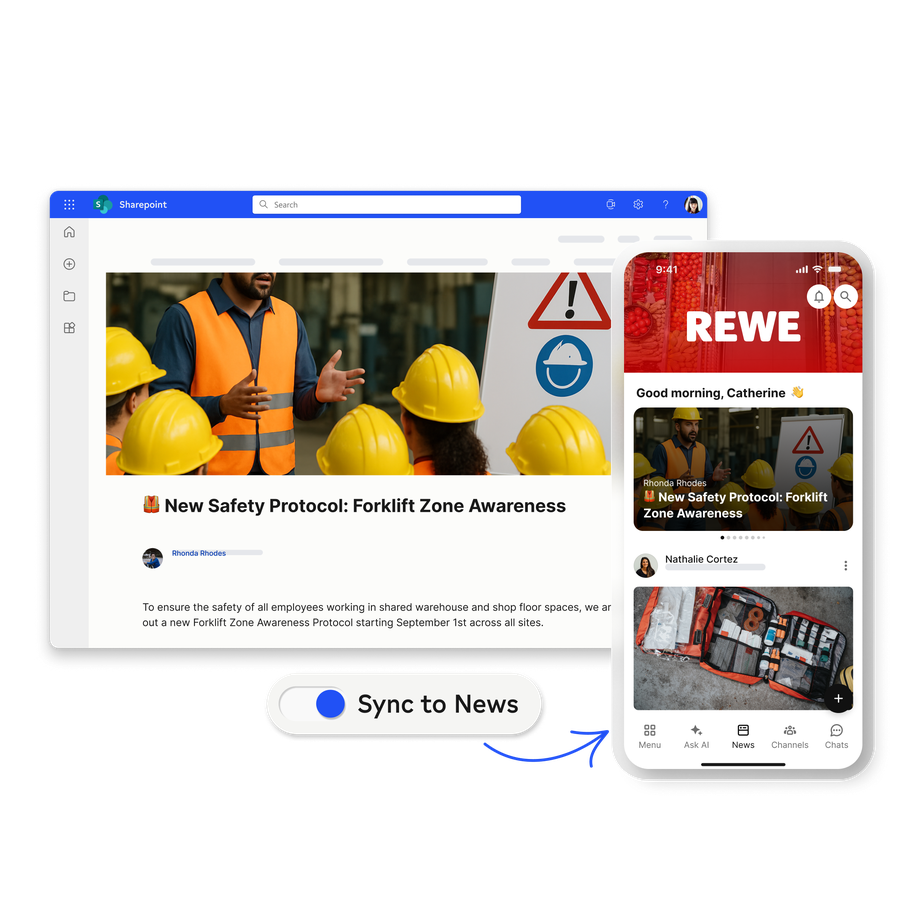
Publish SharePoint pages to Flip's News Feed and Channels with one click. You reach all the right people, with no extra licences and no copy/pasting.
Forward 2026: What Flip's Conference Revealed About the Future of Frontline Work
Learn moreExtend your Microsoft investment to every employee and bring your company together with Flip’s frontline-ready platform.
Reach 100% of your workforce
Simplify IT and reduce cost
Connect desk-based and operational teams
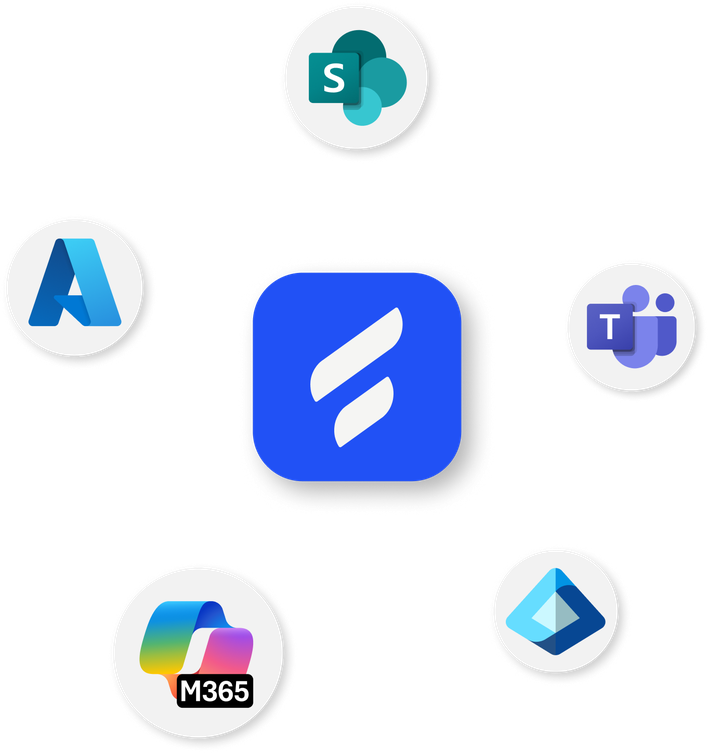
Join the 90%+ of Flip customers who also use Microsoft


Low employee adoption: Hard-to-use interfaces, data-hungry apps, and unnecessary features turn frontline employees off.
Security & access problems: Making internal systems publicly accessible just to enable mobile access creates vulnerabilities.
High licensing costs:Extending SharePoint or Viva to thousands of frontline staff means paying a lot for licences they don’t need.
Teams and SharePoint weren’t made for operational teams and environments – but Flip was. It pairs seamlessly with your Microsoft ecosystem to bring everyone together – without the high complexity, costs, or compromises.
Publish SharePoint pages to Flip's News Feed and Channels with one click. You reach all the right people, with no extra licences and no copy/pasting.
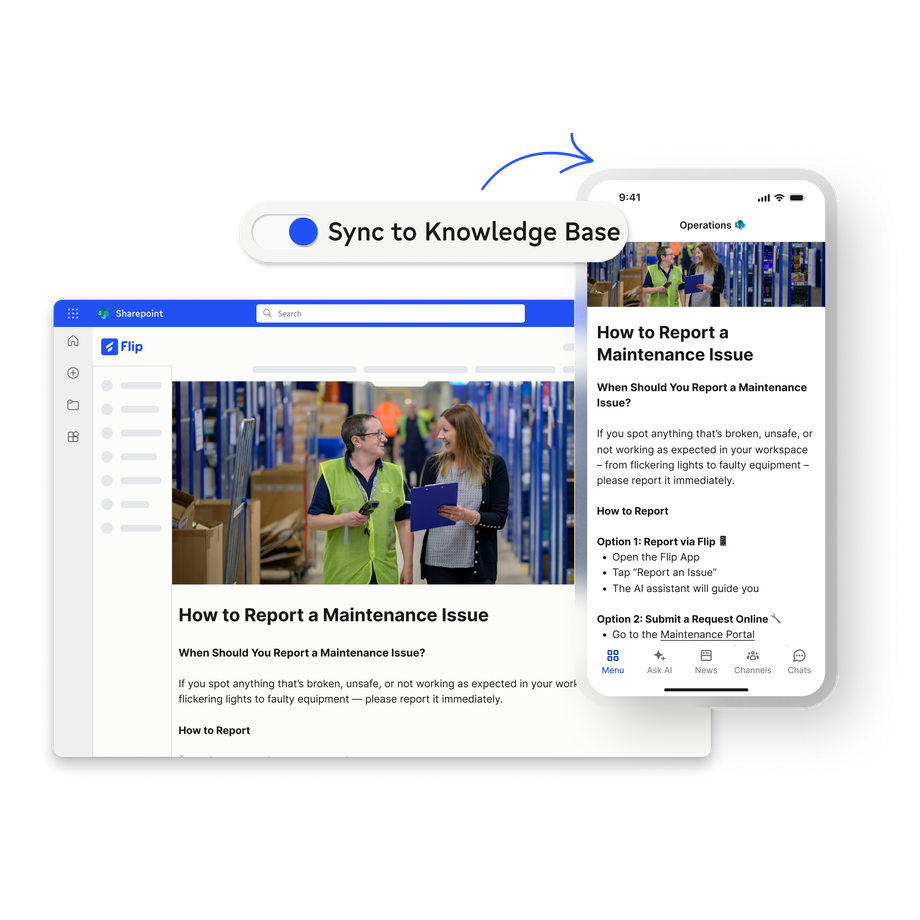
Sync frontline-relevant guides, policies, and FAQs to Flip’s Knowledge Base. Changes are synced automatically, so up-to-date information is always available to employees – and your built-in AI agent.
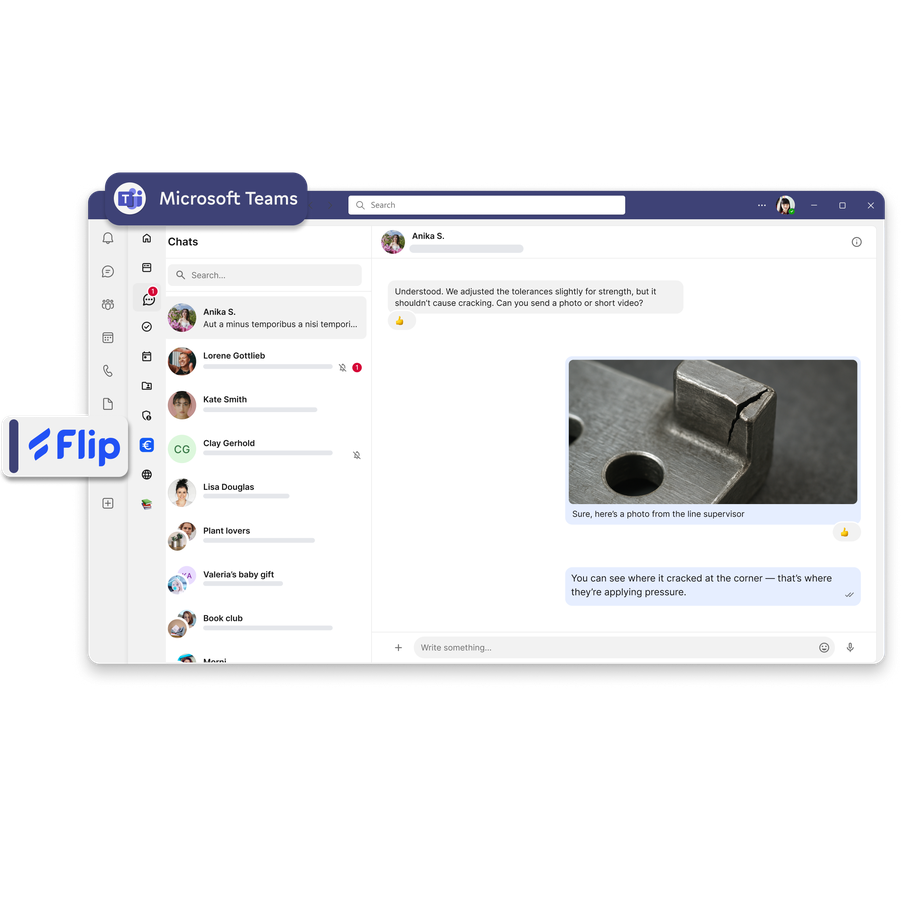
Enable desk-based employees to communicate with frontline colleagues and access Flip's channels, tools, and services – without leaving Teams.

'It used to take two weeks to get all employees informed. Today it takes only two seconds.'
Azure hosting
Complete Identity and Access Management
Azure OpenAI Connector
The Flip difference
No need to buy extra Microsoft licences or provide corporate devices – saving you €50K-€500K annually in licences alone for every 1,000 frontline employees.
Microsoft apps need corporate IDs and MDM. Flip comes with enterprise-grade security, legal compliance, and works council-approval – ready for private devices.
Your branding
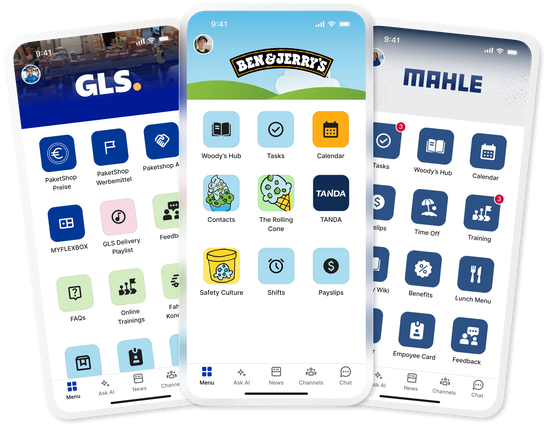
Microsoft apps look and feel like Microsoft apps. Flip is yours – with your own app store entry, app icon, and full branding – enhancing employee identification.
Flip was created alongside real employees in factories, warehouses, and stores. It’s designed for the realities of their day-to-day, which is why we see industry-leading adoption rates.
of employees actively use Flip across our customer base
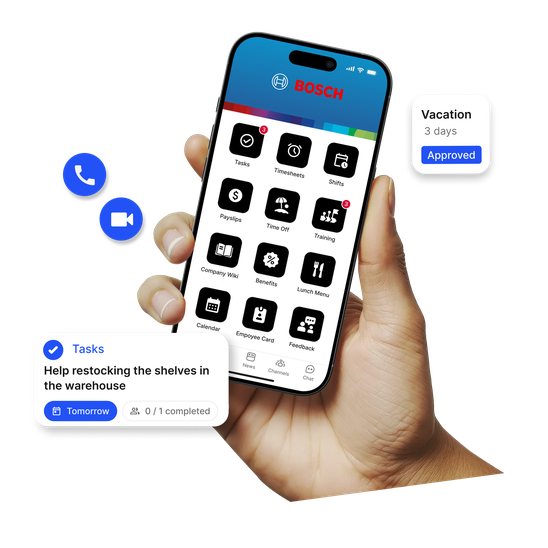
Easy-to-use
Feels as intuitive as social media, with zero training required.
Single app
One login, one UX. Secure access to everything they need.
Offline access
Frustration-free experience even in areas with poor internet.
No corporate ID needed
Flip ID manages identities and access for employees not in Entra.
Build employer identification with your own app icon, logo, name, and design.
Lightweight
Under 50MB (vs. 400MB+ for Teams) with low data usage.
| Microsoft only | |
|---|---|---|
Target audience | Frontline and operational employees | Desk-based and corporate employees |
Offline access |
| ✘ No |
Push notifications |
| ✘ No |
Licensing |
| ✘ Per-user cost, complex pricing structure |
App size |
| ✘ 400MB+ |
Rollout time |
| ✘ 1–2 years |
Branding & employer identification |
| ✘ Microsoft apps with Microsoft branding |
HR integrations (SAP SuccessFactors, etc.) |
| ✘ Links to different apps and interfaces |
Category | Communications and HR suite | Productivity suite |
Identity management for entire workforce
One secure login for everything your frontline needs, from any device, no company email required.
Learn moreSee Flip live in 30 minutes - the AI-native platform that finally reaches your frontline, automates processes, and takes the load off HR.


Flip provides a native Microsoft Teams app that enables desk-based employees to collaborate with frontline colleagues without leaving Teams. Frontline workers get a mobile-optimised experience through Flip, while office workers can access Flip news, tools, and services directly within their familiar Teams interface. The integration supports custom branding and maintains enterprise security through Azure Entra ID authentication.
Yes, Flip offers two SharePoint syncers: the News Syncer automatically publishes SharePoint news to Flip Channels, and the Knowledge Syncer makes policies, guides, and FAQs accessible in Flip's Knowledge Base. Both support all popular SharePoint web parts, including texts, images, files, galleries, and buttons. Content creators only need to publish once in SharePoint – it appears instantly in Flip without additional licensing costs.
Flip integrates seamlessly with Microsoft Entra ID, providing secure SSO and MFA support for frontline workers. Organisations can choose to use Entra ID as their identity provider or use Flip ID to manage access for employees not in the corporate directory. All authentication maintains enterprise-grade security standards and supports conditional access policies.
Microsoft Teams faces several challenges with frontline adoption: the large app size (400MB+) doesn't work well on older devices, it requires constant internet connectivity, it offers no offline access, it provides no push notifications for urgent updates, and it requires significant licensing fees for features frontline workers don't need. Teams is optimized for desk-based collaboration, not mobile-first frontline communication.
With Flip's SharePoint Syncer, frontline workers can access relevant SharePoint content through the Flip mobile app without requiring individual SharePoint licenses. The content is automatically synchronised and optimised for mobile viewing, including support for all SharePoint web parts, while maintaining security and access controls from your existing SharePoint environment.
Flip provides comprehensive Mobile Application Management (MAM) capabilities designed specifically for BYOD (Bring Your Own Device) environments. This includes app-level security controls, screenshot blocking, root detection, malware detection, and secure session management. Flip's MAM approach means employees can use their personal smartphones without compromising corporate data security or allowing the app to access personal device data.
Flip maintains enterprise security through Azure hosting in Germany and Entra ID integration. This approach provides seamless mobile access to frontline workers while protecting your internal network security and ensuring corporate data remains secure on personal devices, with full GDPR compliance and works council approval.
You'll find extensive details and documents about how Flip keeps your company and employee data safe in our Trust Centre.
Flip provides offline access, push notifications even for integrated content, no additional Microsoft licensing requirements, lightweight mobile apps (under 50MB vs 400MB+ for Teams), rapid deployment (weeks vs years), fully customised branding, and native integrations with HR systems. Microsoft-only solutions generally require complex licensing, have poor mobile optimisation, and lack offline functionality critical for frontline environments.
Unlike platforms that only sync documents or require complex Power Automate configurations, Flip provides comprehensive SharePoint content synchronisation, including all web parts, native Teams integration, and out-of-the-box Microsoft authentication. Competitors like Staffbase require IT teams to build and maintain integrations, while others like Blink and Workvivo only offer basic document sync without the rich content support Flip provides.